


TV unit size guide: which width for a 43, 55, 65 or 75 inch TV
A size chart in centimetres for 43, 50, 55, 65 and 75 inch TVs, plus the right height, viewing distance and storage, from the figures on our listings.
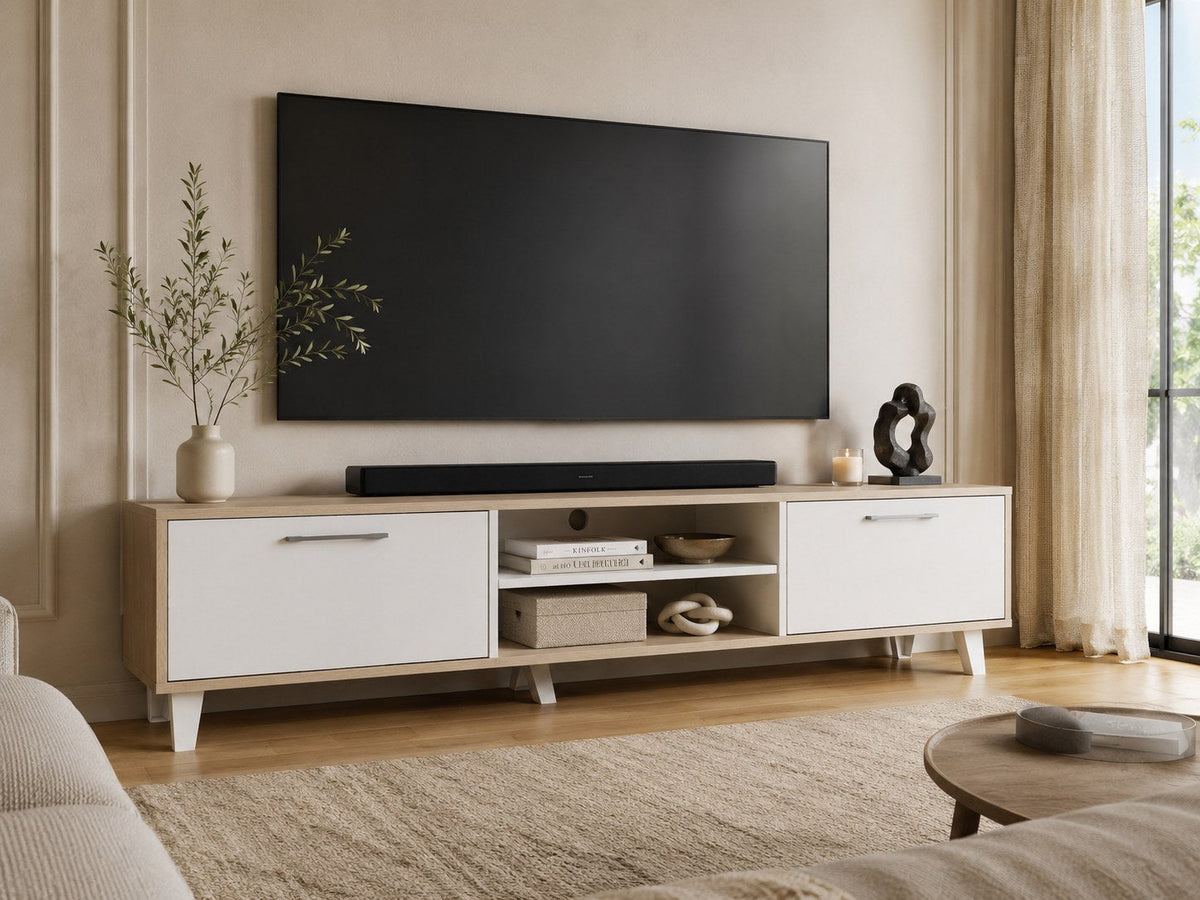
The right TV unit is at least as wide as the screen it holds. That one rule settles most of the decision, so this guide starts with a size chart in centimetres, then covers height, viewing distance and storage. Every Furniva figure here is taken from the product listings.
TV unit size chart: 43, 50, 55, 65 and 75 inch TVs
A TV is sold by its diagonal, but what matters for the unit beneath it is the width. For a standard 16:9 screen, the width in centimetres is roughly the diagonal in inches × 2.2.
| TV size | Screen width (approx.) | TV unit width to look for |
|---|---|---|
| 43 inch | 95 cm | 110 to 150 cm |
| 50 inch | 111 cm | 120 to 150 cm |
| 55 inch | 122 cm | 140 to 180 cm |
| 65 inch | 144 cm | 160 to 180 cm or more |
| 75 inch | 166 cm | 180 cm or more |
If the TV stands on the unit, the unit must be wider than the screen, and the TV's feet must sit fully on the top with room to spare at the front. If the TV is wall-mounted, the unit only has to carry the set-top box, router and soundbar, but it still looks most settled when it is about as wide as the screen or a little wider.
Check the depth and the TV's feet
Many TVs now stand on two feet near the outer edges rather than one central stand. Measure the distance between the feet and their depth from the manual or the box, and compare both with the unit's top. A soundbar in front of the TV adds roughly 8 to 12 cm to the depth you need.
How high should the TV sit?
From a sofa, the most comfortable view puts the middle of the screen near seated eye level. A low unit of 44 to 60 cm with a TV on its stand puts the centre of a 55 to 75 inch screen at roughly 80 to 100 cm from the floor, which suits most sofas. If you wall-mount, avoid hanging the screen high above the unit; a gap of 15 to 30 cm above the top of the unit keeps it at a comfortable height and leaves room for a soundbar.
How far should you sit from the TV?
For a 4K TV, a common guide is to sit between 1 and 1.5 times the screen diagonal away. Measure from the sofa to the wall before you choose the screen, then choose the unit for the screen.
| TV size | Comfortable viewing distance (4K) |
|---|---|
| 43 inch | 1.1 to 1.6 m |
| 55 inch | 1.4 to 2.1 m |
| 65 inch | 1.7 to 2.5 m |
| 75 inch | 1.9 to 2.9 m |
Open shelves, doors or drawers?
- Open shelves for the set-top box, router and console. Remotes need a line of sight, and electronics need air.
- Doors for everything you would rather not see: spare cables, games, files and the things that end up in a living room.
- Drawers for remotes, chargers and small things that get lost behind doors.
- Cable management holes at the back keep wires behind the unit rather than hanging in front of it.
Furniva TV units by screen size
These are the largest TV sizes each unit is listed for, with widths from the listings.
| For TVs up to | TV unit | Width and storage |
|---|---|---|
| 43 inch | Caramel, Natural Brown | 90 cm, two drawers; suits a wall-mounted TV or a small bedroom |
| 48 inch | Riva, Ash Grey | 120 cm, two doors and open shelves |
| 48 inch | Elara, Ash Grey | 120 cm, two drawers, solid wood legs |
| 55 inch | Zenith TV stand | Glass middle shelf, two side cabinets, wooden legs |
| 55 inch | Flux one door | Closed cabinet plus open media shelves |
| 55 inch | Bella, Sonoma White | 150 cm, two doors and an open compartment |
| 75 inch | Kumo, Oak and White | 180 cm, two doors, open centre shelves, 44 cm high |
| 75 inch | Moku, Grey Oak | 180 cm, two side cabinets, four open compartments |
| 75 inch | Ritz, Columbia Walnut | 180 cm, two doors, eight shelves |
| 75 inch | Flux two door, Space Gray | 180 cm, two cabinets, cable management |
See every unit in TV and entertainment units, and add a coffee table with storage or side tables to finish the living room.
A quick checklist before you order
- Note your TV's diagonal and work out its width (diagonal in inches × 2.2 = cm).
- Choose a unit at least that wide if the TV will stand on it.
- Check the TV's feet and the soundbar against the unit's depth.
- Measure the wall, and leave space for doors and drawers to open.
- Count the devices that need an open shelf and a socket.
Delivery and installation
Enter your pincode on the product page to see the delivery range and whether free installation covers your area. Where it does not, DIY assembly instructions are included where available, and our assembly videos walk you through it. Read more about delivery and installation.